





Beauty


Share
Published 15:40 15 Nov 2015 GMT
Updated 15:46 15 Nov 2015 GMT
Explore more on these topics:
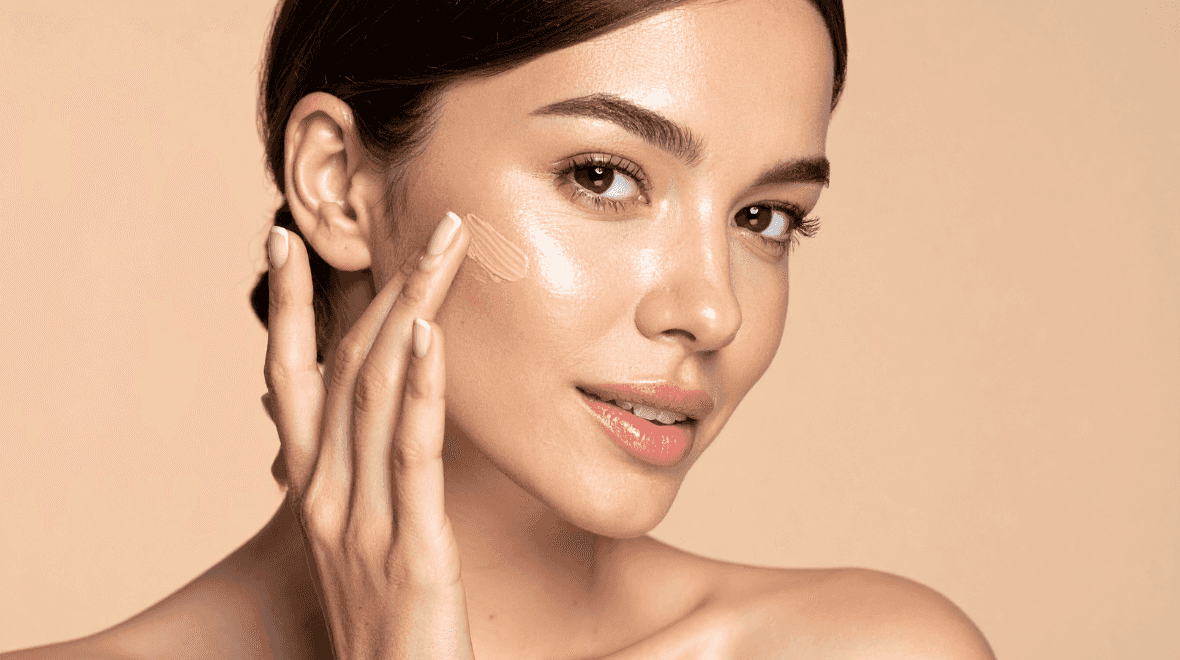
The reason behind this is that when you apply a red filter to your photos, it makes everything instantly warmer and gives your skin a warm glow. Now the 'red' filter isn’t one of the social media site’s regular filters but there’s an easy way to apply it to your photos. You simply click on the wrench icon in the right hand corner of the editing screen, select colour and then select red. Then you can select the level of intensity you want, whether it’s high octane red or just a subtle effect. We know what filter we’ll be using when it comes to acing the perfect shot.

Beauty

Beauty

Beauty

Beauty
I’ve finally found a full-coverage concealer that’s given me my confidence back
As someone with acne, finding a full-coverage concealer that actually works has been impossible until now Having acne-prone skin in your thirties isn’t pleasant, but I’m slowly but surely healing it. I’ve found products that help, I’ve discovered what food triggers outbreaks, and makeup that genuinely helps cover up my spots after a lengthy search. […]
Beauty
5 days ago
This new volumising mascara sculpts lashes making it perfect for your wedding day
Merit is back with a new mascara, and we’re already obsessed with it Finding the perfect mascara for your wedding day is no easy feat, especially when there are so many options out there. Luckily, we’ve discovered a new mascara set to hit the Irish market in the coming weeks, and it’s bound to be […]
Beauty
6 days ago
One of Ireland’s best skincare brands has launched an ‘instant facial’ mask
Beauty