





Health


Share
Published 14:59 11 Sept 2015 BST

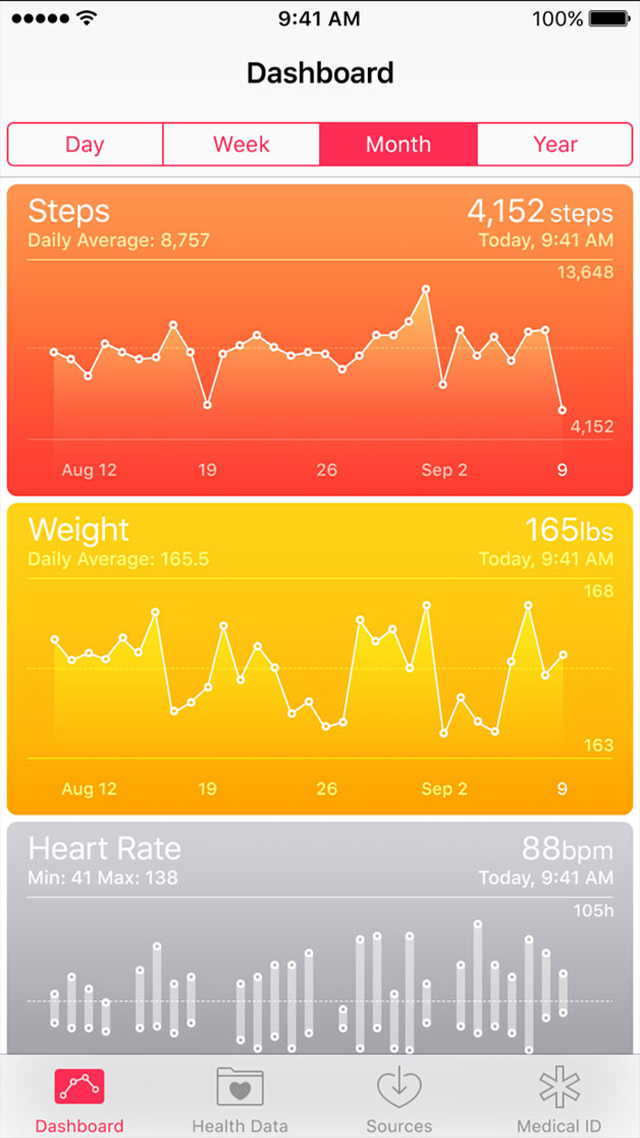 When you’re in the Health app, select the ‘Health Data’ information as show below, which will bring up a list of options.
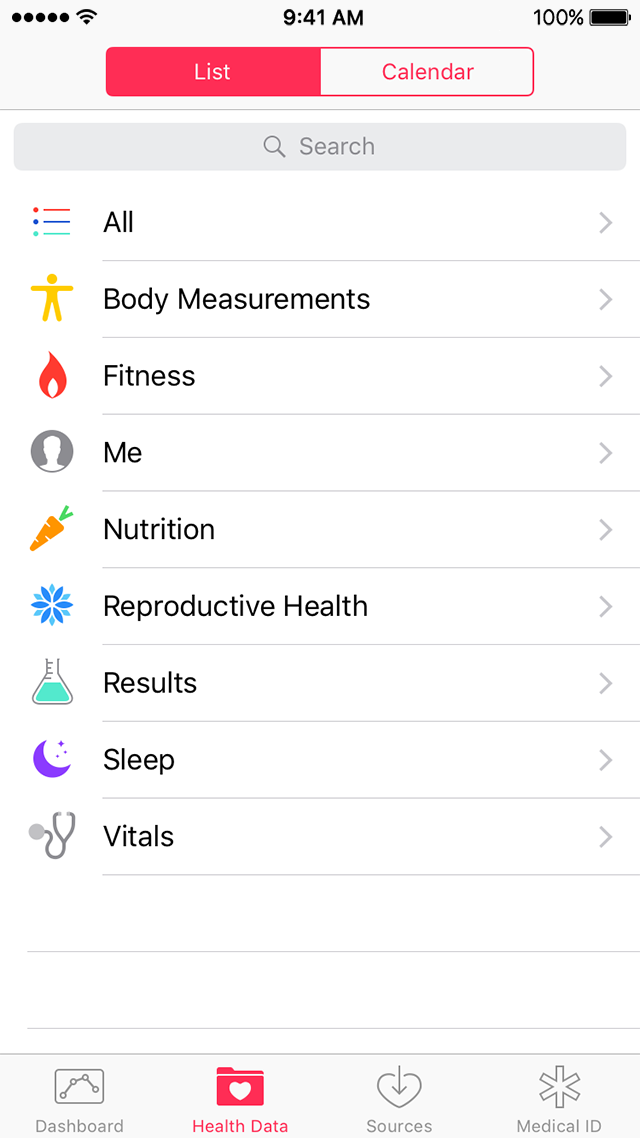 The most relevant information such as name, DOB, emergency contacts, medical conditions and even blood type can be found in the two options ‘Me’ and ‘Vital Statistics’.
With an iPhone, you can personalise your Medical ID to keep your important health information in case of emergency.
Once this is saved, turn on ‘Show When Locked’ to make your Medical ID available from the Lock screen. This lets people helping you in an emergency get important information about you. They'll also be able to contact people you've entered as emergency contacts.
So how will the information be accessible?
The emergency info will be available in the Medical ID tab here:
The most relevant information such as name, DOB, emergency contacts, medical conditions and even blood type can be found in the two options ‘Me’ and ‘Vital Statistics’.
With an iPhone, you can personalise your Medical ID to keep your important health information in case of emergency.
Once this is saved, turn on ‘Show When Locked’ to make your Medical ID available from the Lock screen. This lets people helping you in an emergency get important information about you. They'll also be able to contact people you've entered as emergency contacts.
So how will the information be accessible?
The emergency info will be available in the Medical ID tab here:
 One handy way that your phone could quite literally save your life.
H/T Images via Apple Support
One handy way that your phone could quite literally save your life.
H/T Images via Apple SupportExplore more on these topics:

Health

Health

Health

Health

Health

Health

