







Life


Share
Published 18:41 31 Jul 2015 BST
Explore more on these topics:
 Between your mobile, tablet, desktop, laptop, work phone and not to mention friends' devices there's always that niggling fear that somewhere, somehow, you are still logged in.
However, if you are one of the clever few in the know, this need not be a worry any longer - you CAN log out remotely.
Between your mobile, tablet, desktop, laptop, work phone and not to mention friends' devices there's always that niggling fear that somewhere, somehow, you are still logged in.
However, if you are one of the clever few in the know, this need not be a worry any longer - you CAN log out remotely.
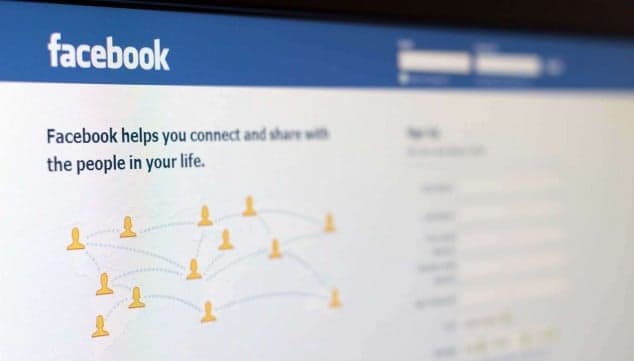
 Go to Facebook settings and scroll down to security and select "Where you're logged in".
Here you will see where and when you logged in, and get the option to "End Activity", logging you out.
Go to Facebook settings and scroll down to security and select "Where you're logged in".
Here you will see where and when you logged in, and get the option to "End Activity", logging you out.
 Image via Facebook
You can thank us later (after you've frantically checked where you're logged in).
Image via Facebook
You can thank us later (after you've frantically checked where you're logged in).

Life

Life

Life

Life
‘I’m a 29-year-old woman and my income would shock my friends if it was made public’
In this edition of Her Money Diaries, we meet Gigi from Galway City, whose family lost all their money in the recession Welcome back to Her Money Diaries, our new financial series that discusses the money woes and wins of the woman of Ireland. This week’s Money Diary, we’re taking a look at Gigi from […]
Life
3 days ago
Men are more empathetic after becoming fathers, research has found
The study found that men are more understanding and patient after becoming fathers. How much does fatherhood change you? A lot, according to a new study, and in the best possible way. According to research completed by thortful, 26% of men are reportedly more empathetic, understanding and patient after having children. The study found that […]
Life
4 days ago
Life